Process automation for B2B companies works best when you automate a complete workflow between systems – for example from an incoming order to an ERP document and a confirmation email – through APIs, queued jobs and clear exception handling, rather than scripting isolated clicks. The practical path is: audit where people copy data between systems, pick one high-volume, rule-based flow, model it as a sequence of API steps with a visible status, and keep a human in the loop for the cases the rules cannot decide. Below is how to structure that, which patterns hold up in production, and when a low-code tool is enough.
What is worth automating first
Good candidates share four traits: they happen often, they follow rules that can be written down, they move data between systems that have (or can get) an API, and mistakes in them are costly. Typical examples in B2B companies:
- Order intake – orders arriving by email, EDI, a customer portal or a marketplace that someone retypes into the ERP.
- Price and stock publication – exporting price lists and availability from the ERP to a portal, shop or partner feed.
- Quote approval – quotes above a discount threshold that must be approved by a manager before they go out.
- Customer onboarding – checking a new customer's VAT number, creating the account in ERP and CRM, assigning a price group.
- Document distribution – sending invoices, delivery notes and certificates to the right contact at the customer.
- Product data updates – pushing attribute and document changes from a PIM or product data platform to every channel.
Poor candidates are processes that change every month, depend on judgement in most cases, or run a few times a year. Automating them usually costs more than it saves.
Start with a short automation audit
Before choosing tools, map the current process with the people who do the work. For each step, write down:
- what triggers it (an email, a file, a status change, a time of day),
- which system the data comes from and where it goes,
- which rules are applied and who knows them,
- what happens when something is missing or wrong,
- how often it happens and how long it takes.
This produces a map of hand-offs between systems. The places where someone copies data from one screen to another are where API workflows bring the most value. Our article on API integration services for ERP, CRM and ecommerce covers the integration side of this map in more detail.
Anatomy of a reliable API workflow
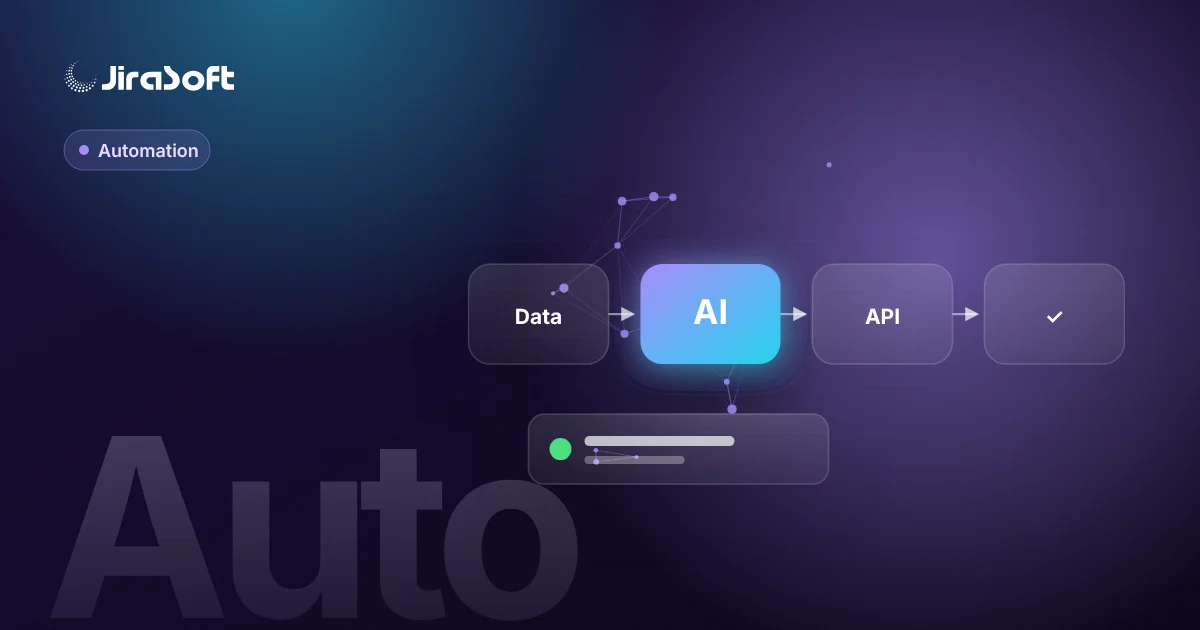
A workflow that survives real-world use has the same building blocks regardless of the process:
- Trigger – a webhook from the source system, a scheduled poll, or a user action in a portal.
- Validation – required fields, formats, reference data (does this customer and product exist?).
- Transformation – mapping units, VAT codes, customer numbers and product codes between systems.
- Action – the API call that creates or updates something in the target system.
- Confirmation – storing the target system's ID and response, notifying the user or customer.
- Exception path – a queue of cases that need a person, with the reason and a way to fix and resume.
Every run gets a record with a status (received, validated, sent, confirmed, failed, needs review), so anyone can see where a given order or document is.
Patterns that prevent the usual failures
Queues instead of synchronous chains
If step three calls an ERP that is slow or offline, the whole chain should not fail. In Laravel, each step runs as a queued job with retries and back-off; Horizon shows what is waiting, running and failing. Scheduled jobs handle polling and nightly reconciliation.
Idempotency
Webhooks are sometimes delivered twice, and retries can repeat a call. Every action should carry an idempotency key – such as the source order ID – so the target system or your middleware can recognise a duplicate and skip it.
Webhooks plus reconciliation
Webhooks are fast but can be missed. A periodic comparison between systems (for example, all orders from the last day in the portal versus the ERP) catches gaps that event-driven processing lets through.
Human in the loop
Not every case should be decided by rules. A discount above a threshold, an address that fails validation or a product that no longer exists should land in a review list with a clear reason. The reviewer fixes the data and resumes the run instead of re-entering it from scratch. A focused admin interface for this matters; see our notes on Vue.js frontends for data-heavy admin panels.
Audit trail
For each run, keep what came in, what was sent, what came back and who changed what. It answers the inevitable question "why did this customer get that price?" without digging through logs.
Example: order intake from a customer portal to ERP
- A customer submits an order in the portal. The order is saved with status *received* and a unique ID.
- A queued job validates it: customer active, products orderable, quantities in valid pack sizes.
- The job maps the order to the ERP format and calls the ERP API with the portal order ID as an idempotency key.
- The ERP returns its document number; the workflow stores it and sets status *confirmed*.
- The customer receives a confirmation with the ERP number; the sales rep sees the order in the CRM.
- If validation or the ERP call fails permanently, the order goes to *needs review* with the reason, and the sales team gets a notification.
- A nightly job compares confirmed portal orders with ERP documents and flags any mismatch.
Low-code tools or custom workflows?
Tools like Zapier, Make or n8n are a good fit for low-volume flows between cloud services with standard connectors, especially when the business team wants to own them. A custom workflow layer, for example in Laravel, is the better choice when:
- volumes are high or timing matters,
- the ERP or legacy system needs custom connectors or runs on-premises,
- business rules are complex (customer-specific prices, approval matrices),
- you need a full audit trail and a review interface for exceptions,
- several workflows share the same data and mappings.
Many companies use both: low-code for peripheral tasks, a custom layer for the core order and product data flows.
Common mistakes
- Automating a broken process. If nobody agrees on the rules, automation just makes the disagreement faster.
- No owner for exceptions. A review queue that nobody watches is worse than manual work.
- Hard-coded mappings. Codes and rules should be editable by authorised users, not only by developers.
- No monitoring. Alerts on failed jobs and stuck queues must exist from day one.
Next step
Pick one workflow that is frequent and painful, and describe it with the five questions from the audit section above. That is enough to judge whether it needs a simple connector or a proper workflow layer. We describe how we run such projects on the page of our process automation service. If you want to walk through your process with us, contact us – we usually start with a short audit of one or two flows.
Frequently asked questions
Which B2B processes should be automated first?
Frequent, rule-based processes that move data between systems, such as order intake, price and stock publication, customer onboarding and document distribution. Processes that change often or depend mostly on judgement are poor candidates.
How do you prevent duplicate orders in automated workflows?
Each action carries an idempotency key, such as the source order ID, so repeated webhooks or retries are recognised and skipped. A nightly reconciliation between systems catches anything that slips through.
Are low-code tools like Zapier or n8n enough?
They work well for low-volume flows between cloud services with standard connectors. For high volumes, on-premises ERP systems, complex pricing rules or a full audit trail, a custom workflow layer is usually more reliable.
What happens when an automated workflow cannot decide a case?
The case goes to a review queue with the reason, a person corrects the data and resumes the run. This keeps automation safe without forcing every exception into rigid rules.
How to turn this topic into a project
JiraSoft looks at topics like this through the lens of a real system: data, backend, API integrations, B2B workflows, Google visibility and content prepared for AI answers. This article is a starting point for a practical workflow conversation.