API integration services for ERP, CRM and ecommerce systems connect the tools a B2B company already uses so that orders, customers, prices, stock and invoices move between them automatically instead of being retyped. A good integration is not just a script that calls two APIs. It is a small, monitored system with a clear owner for every data type, a queue that survives outages, idempotent writes and logs that let someone outside the development team see what happened to a given order. This article explains how such integrations are designed, what to decide before development starts and where projects typically go wrong.
What gets integrated in a typical B2B setup
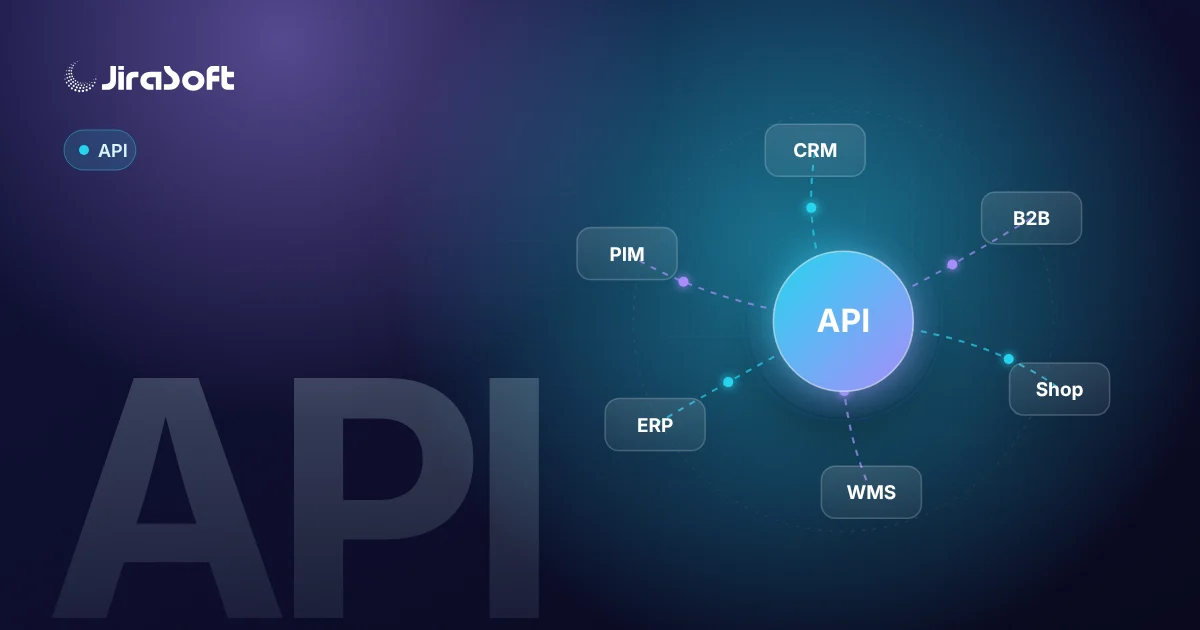
Most mid-sized B2B companies run three to six business systems that were never designed to work together:
- an ERP that owns products, prices, stock, customers and accounting documents,
- a CRM where sales teams manage leads, opportunities and quotes,
- one or more sales channels – a B2B portal, a webshop, marketplaces,
- supporting tools: a PIM, a warehouse system, a shipping platform, invoicing and payment providers.
The integration layer sits between them. Its job is to move the right data at the right time, transform it into each system's format and make failures visible.
Decide who owns each piece of data
The most important design decision happens before any code: for each data type, which system is the source of truth? Without that rule, two systems will overwrite each other and nobody will know which value is correct.
A common split looks like this:
- Products and base attributes: ERP or PIM → CRM, shop, portal.
- Marketing content and images: PIM or shop → portal.
- Prices and discounts: ERP → shop, portal, CRM.
- Stock: ERP or WMS → shop, portal.
- Customer accounts: ERP ↔ CRM, with approval before new accounts are created.
- Leads and opportunities: CRM → ERP once a deal is won.
- Orders: shop or portal → ERP.
- Invoices and delivery status: ERP → portal, CRM.
Your split may differ, but it should be written down and agreed with the people who use each system.
Architecture that holds up in production
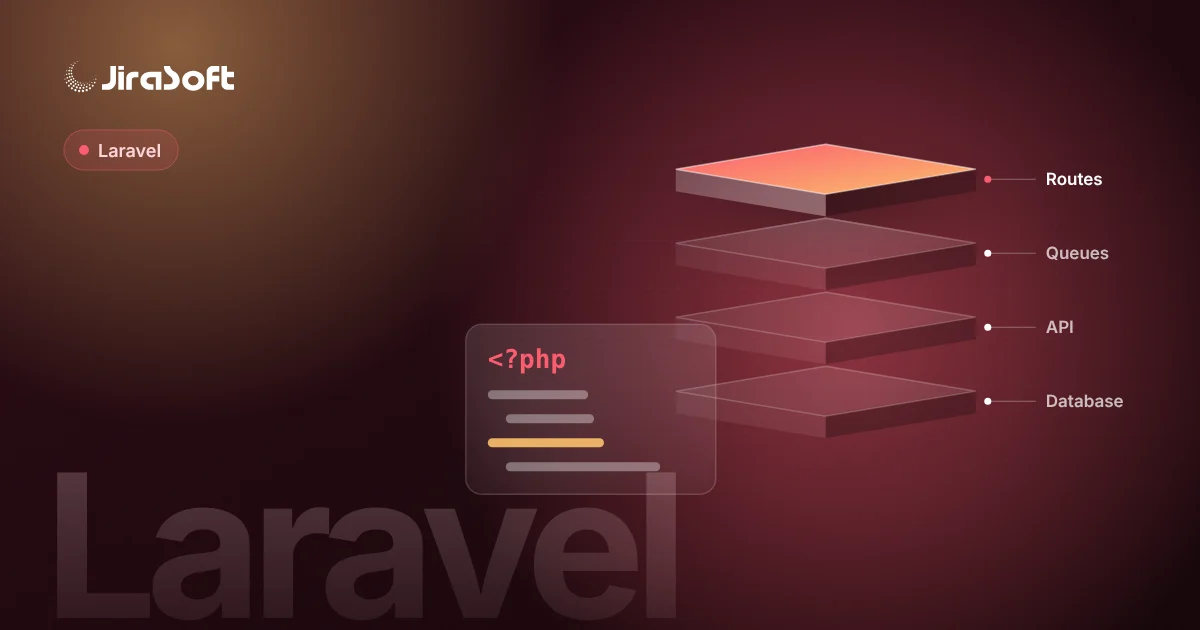
For anything beyond a single one-way export, we build integrations as a separate service – usually a Laravel application – rather than as plugins inside the shop or ERP. The typical components are:
- Connectors for each external system, wrapping its API (REST, SOAP, GraphQL) or, where no API exists, file exchange or a database view.
- A queue (Laravel queues with Redis, monitored with Horizon) so every order or change is a job with a status, a retry counter and a history.
- A mapping layer that translates IDs, units, tax rates, currencies and status codes between systems.
- Scheduled jobs for periodic synchronisation, such as nightly full stock reconciliation.
- Webhooks where the source system supports them, verified with signatures, to react to changes without polling.
- An operations panel where a non-developer can search for an order, see each step and retry a failed job.
This design means that when the ERP is down for maintenance, the webshop keeps taking orders. They wait in the queue and are processed when the connection returns.
An example data flow: order from portal to ERP
- The customer places an order in the B2B portal. The portal stores it and emits an event.
- The integration service receives the event and creates a job with the portal's order ID as an idempotency key.
- The job maps the customer to the ERP account, converts packaging units to base units and applies the ERP's tax codes.
- The connector creates the sales order in the ERP. If the ERP returns an error, the job is retried with increasing delays; after the last attempt it is marked failed and an alert is sent.
- The ERP order number is written back to the portal, so the customer sees a confirmed order.
- Later, a status change or invoice in the ERP triggers the reverse flow.
Because the portal order ID is used as the idempotency key, a retry after a timeout does not create a duplicate order in the ERP. This single detail prevents one of the most common and expensive integration bugs.
Security and access
- Use OAuth 2.0 client credentials or scoped API tokens, never a shared admin login.
- Store secrets in environment configuration or a secrets manager, not in the code repository.
- Give each connector the minimum permissions it needs – an integration that only reads stock should not be able to delete customers.
- Verify webhook signatures and reject unsigned calls.
- Log requests and responses for troubleshooting, but mask personal data and credentials.
- For on-premise ERPs, let a small agent inside the company network initiate outbound HTTPS connections, so no inbound ports need to be opened.
Common mistakes
- Direct database writes into the ERP. Tempting when there is no API, but it bypasses business logic such as numbering, reservations and tax calculations, and it can break after an ERP update.
- No reconciliation. Even well-built event-driven integrations drift. A scheduled comparison of stock or open orders catches silent gaps.
- Ignoring rate limits. Many SaaS APIs limit requests per minute. Bulk updates need batching and back-off, or the integration will fail during the busiest hours.
- Mapping hidden in code. Tax codes, warehouse IDs and status mappings change. Keep them in configuration that can be edited without a deployment.
- No owner on the business side. Someone must decide what happens to an order with an unknown product or a customer over their credit limit.
Build, buy or combine?
Off-the-shelf connectors and iPaaS tools work well when both systems are popular SaaS products and the process is standard. A custom integration service makes sense when you have an on-premise or heavily customised ERP, complex pricing rules, several sales channels or requirements for audit trails and retry control. Many companies combine both: a platform connector for simple flows and a custom service for the core order-to-invoice process.
How we run an integration project
- Discovery – list systems, versions, available APIs, data owners and volumes. Identify the one flow that costs the most manual work.
- Read-only phase – pull data from the source system and compare it with what users see today. This exposes mapping problems early.
- First write flow – usually orders into the ERP, initially with manual approval.
- Reverse flows – statuses, invoices, stock.
- Monitoring and handover – alerts, a runbook and an operations panel for the team.
We have followed this approach in projects such as the Revend integrations for reverse vending machines, where devices, back-office systems and partner platforms had to exchange data reliably. For automating the processes around integrations – approvals, notifications, scheduled tasks – see process automation for B2B companies with API workflows.
Next step
Pick one flow that your team currently handles by copying data between systems, and write down the systems involved, their versions and roughly how many records move each day. That is enough for a first technical assessment. You can read more about our Laravel API integrations, API integration and automation services or contact us to discuss that flow.
Frequently asked questions
What is the first decision in an ERP, CRM and ecommerce integration?
Decide which system is the source of truth for each data type – products, prices, stock, customers, orders and invoices. Without that rule, systems overwrite each other.
How do you prevent duplicate orders in the ERP?
Each order is sent with an idempotency key, typically the shop or portal order ID. If a request is retried after a timeout, the integration recognises the key and does not create a second order.
What happens when the ERP is offline?
Orders wait in a queue as jobs with a status and retry counter. When the ERP is available again, the jobs are processed and failures that persist trigger an alert.
Is an iPaaS tool enough or do we need a custom integration?
An iPaaS connector often works for standard flows between popular SaaS products. A custom service is usually justified for on-premise or customised ERPs, complex pricing, several sales channels or strict audit requirements.
How to turn this topic into a project
JiraSoft looks at topics like this through the lens of a real system: data, backend, API integrations, B2B workflows, Google visibility and content prepared for AI answers. This article is a starting point for a practical workflow conversation.